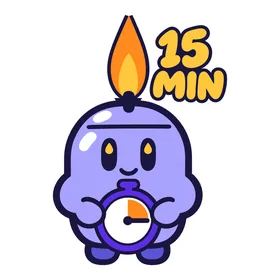
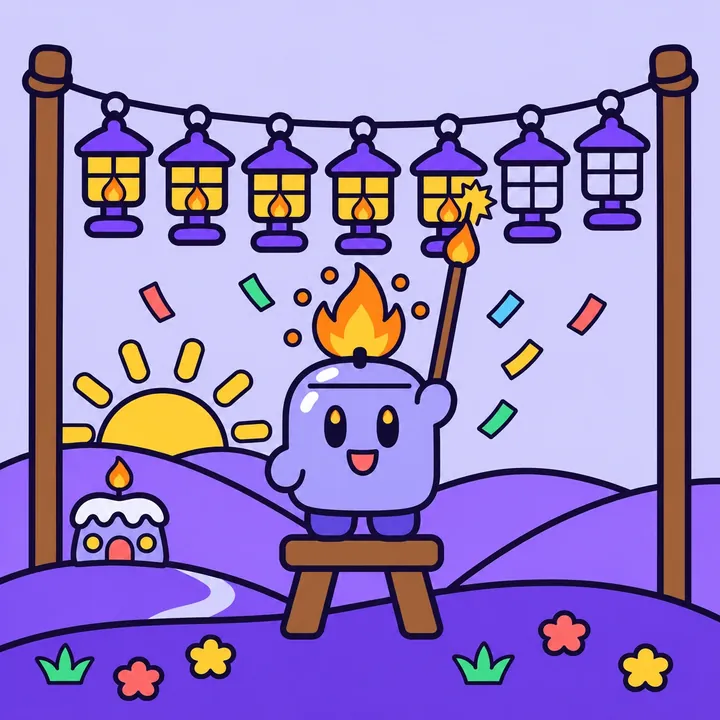
Fifteen focused minutes, while brainrot apps wait. A little candle named Fitil cheers you on, and you light a lantern for every daily win.
Coming soon. Wickstart is not released yet.
How it works
Three small moves. One real start.
1
Choose your thing
Pick one thing you keep postponing: a book, a draft, a side project, study, an easy walk. Then choose your days and a start time.
2
Brainrot apps wait
Pick the apps that pull you away. At your start time they wait until you've done your 15 minutes, or for up to two hours.
3
Light a lantern
Tap Start my 15 minutes. Follow a simple three-step plan or work on your own task, then check in and light a lantern for the day.
Progress without guilt
15 minutes a day adds up to 91 hours a year.
Light a lantern for each daily win. One rest day each week keeps your streak safe. No catching up, no shame.
M
T
W
T
Frest day
S
S
30 guided plans, each with three timed steps that fit inside 15 minutes
48 Mini 15s for the days you can't decide
6 five-step journeys that take one goal a little further
90-day view of your sessions, notes and next steps
Meet Fitil
A small candle with a lot of feelings.
Fitil lives in Lantern Valley and keeps you company from the first tap to the last minute. Its flame tells you how things are going: perky when you start, tall while you focus, enormous when you win.
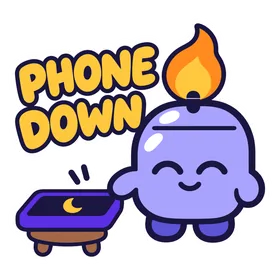
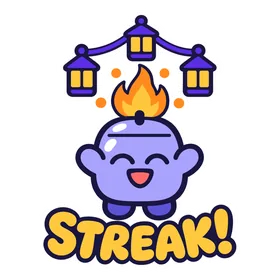
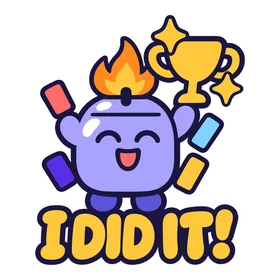
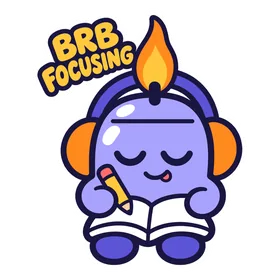
Fitil also comes along to your chats. Wickstart Pro includes 28 Fitil stickers for WhatsApp and iMessage and 49 animated Fitil GIFs.
Study group
did you start the essay?
phone down. back in 15.
done. lantern lit.
Wickstart Pro
Seven days to see if it helps you start.
Wickstart needs a Wickstart Pro subscription after onboarding. Eligible new subscribers can try the yearly plan free for 7 days.
Prices may vary by country and are shown in the store before you buy.
15-minute focus sessions with app blocking for the apps you choose
30 guided plans, 48 Mini 15s and six journeys
Up to three rituals, each with its own time, days and apps
Lanterns, a weekly rest day and a 90-day view
Fitil stickers and 49 animated GIFs
There is no free tier. Payment is charged to your Apple Account or Google Play account when you confirm the purchase, or when the free trial ends. The subscription renews automatically unless you cancel at least 24 hours before the end of the current period or the trial. Manage or cancel it any time in your App Store or Google Play account settings.
FAQ
Good questions.
When can I get Wickstart?
Soon. Wickstart is not in the stores yet. It is coming to iPhone on the App Store and to Android on Google Play, and the badges on this page will turn into download links on release day.
Is there a free version?
No. Wickstart needs a Wickstart Pro subscription after onboarding. Eligible new subscribers can try the yearly plan free for 7 days, and you can cancel in your store account settings before the trial ends.
How does app blocking work?
It applies only to the apps you choose, and it is optional: you can decline the permission and use the timer on its own. On iPhone it uses Apple's Screen Time permission. On Android it uses the AccessibilityService only to detect which app is in the foreground and show Wickstart's own waiting screen; it does not read messages, passwords, screen text or browsing content. Blocking can't close every possible route to an app.
How long do the apps wait?
From your start time until you've done your 15 minutes, or for up to two hours. After that they open as usual.
What happens if I miss a day?
One rest day each week keeps your streak safe. There is no catching up and no shame. Tomorrow's lantern is waiting.
What do you do with my data?
Your tasks and notes stay on your device. Usage and crash reports are on by default and can be turned off in Settings; your task text is never sent in analytics events. This website sets no cookies, runs no analytics and loads nothing from third parties. It remembers your theme choice in your browser only. The full policy is in the privacy notice.








 M

 Study group